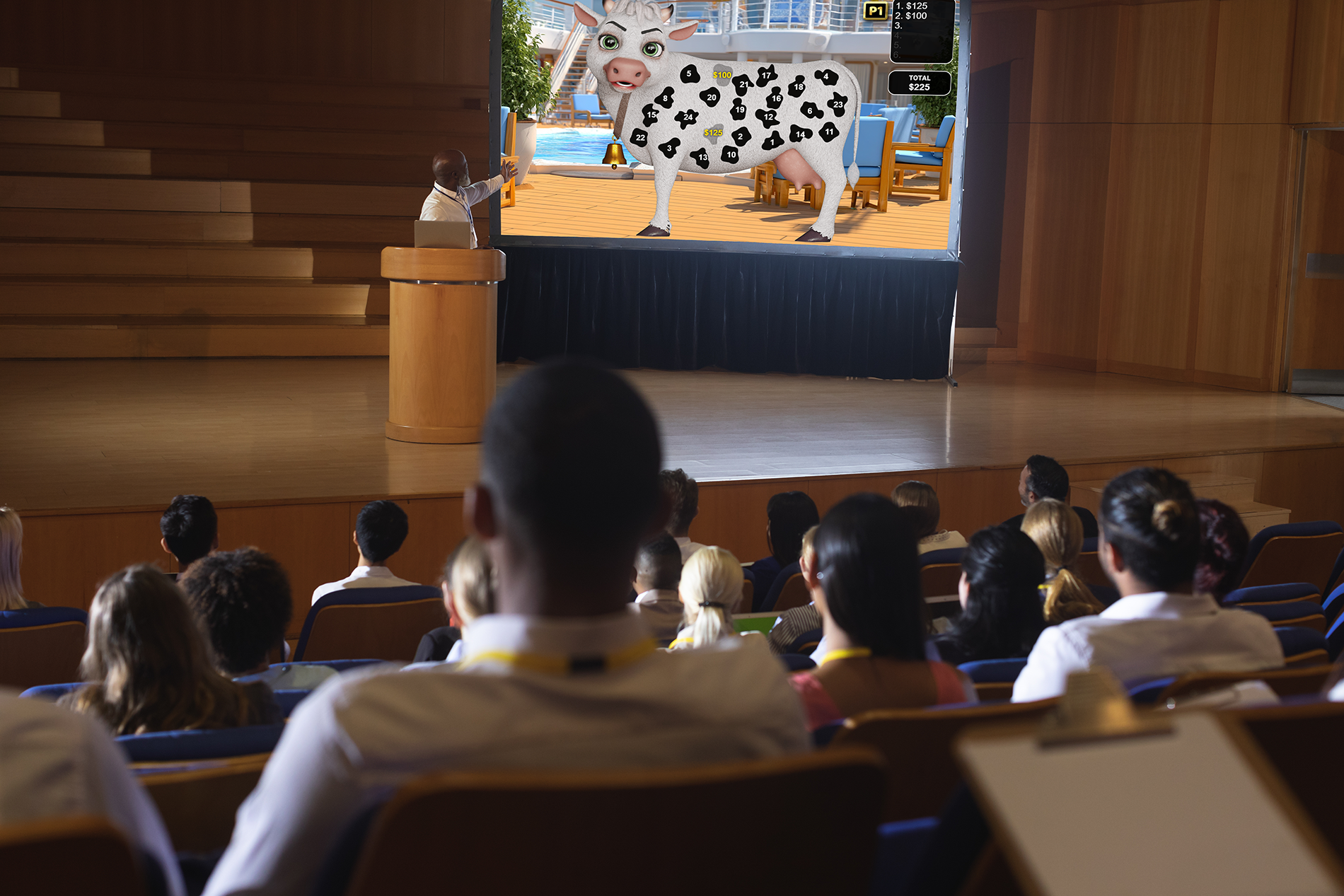
How to Display P.O.D. on Your Digital TVs
Four proven methods to cast Promo on Demand games to any TV on your floor — from wireless screen mirroring to dedicated casting devices.
Read Article
6 min read
Everything you need to set up, customize, and run successful promotions on your casino floor.
Four proven methods to cast Promo on Demand games to any TV on your floor — from wireless screen mirroring to dedicated casting devices.
A complete walkthrough from first login to your first live promotion — including user roles, game selection, and prize configuration.

Learn how to set up your team with the right access levels — from marketing managers to floor staff running the promotions.

Step-by-step guide to selecting themes, customizing prize images, and requesting custom graphics for every game in your library.
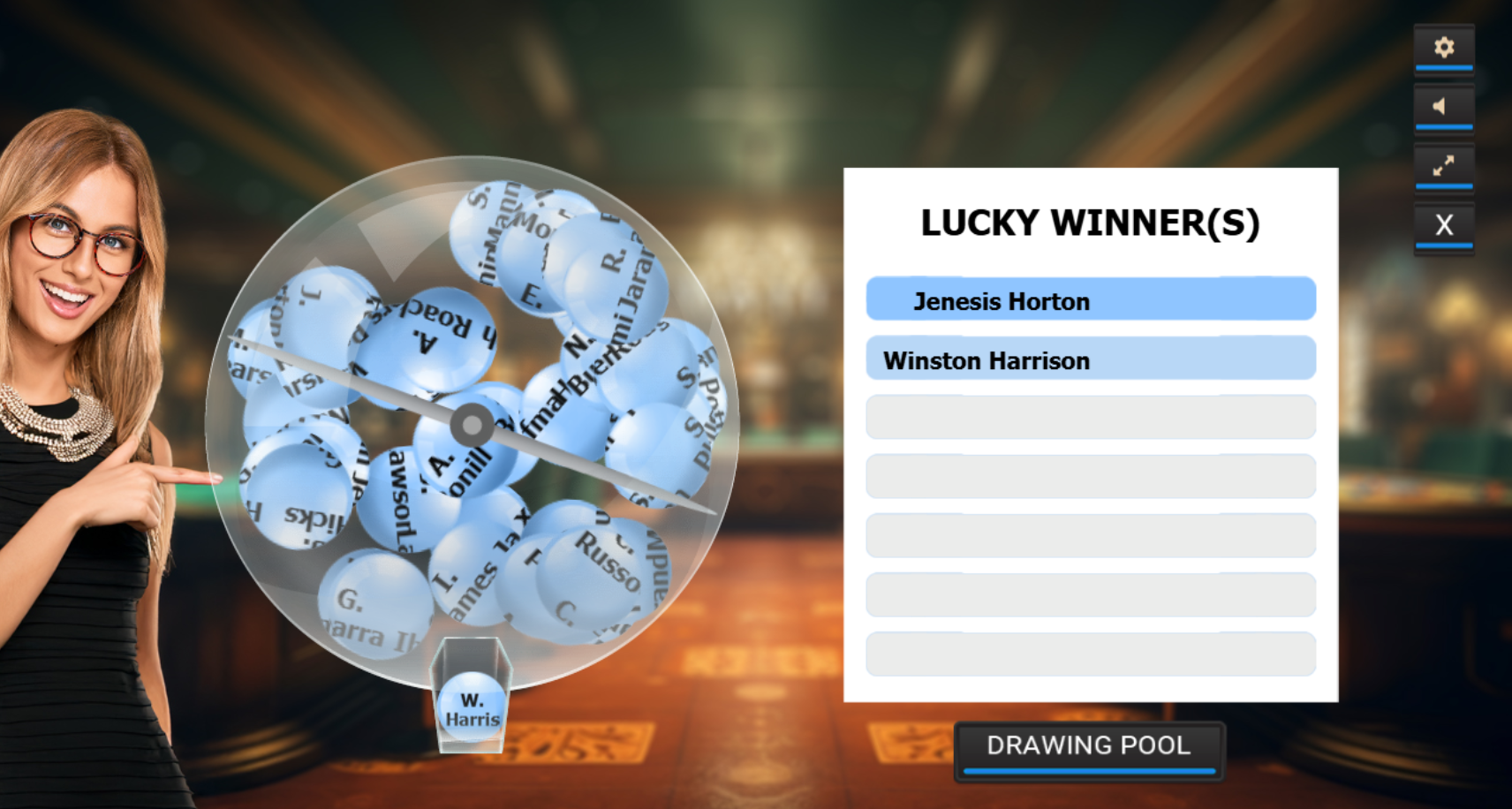
Pull a winner from your active player pool in seconds. Learn about countdown options, eligibility filters, and audit trail features.

Understand session data, prize distribution analytics, and how to export compliance-ready audit trails for any custom game.

A process or mechanism that generates a sequence of values or individual values that are unpredictable and appear random.
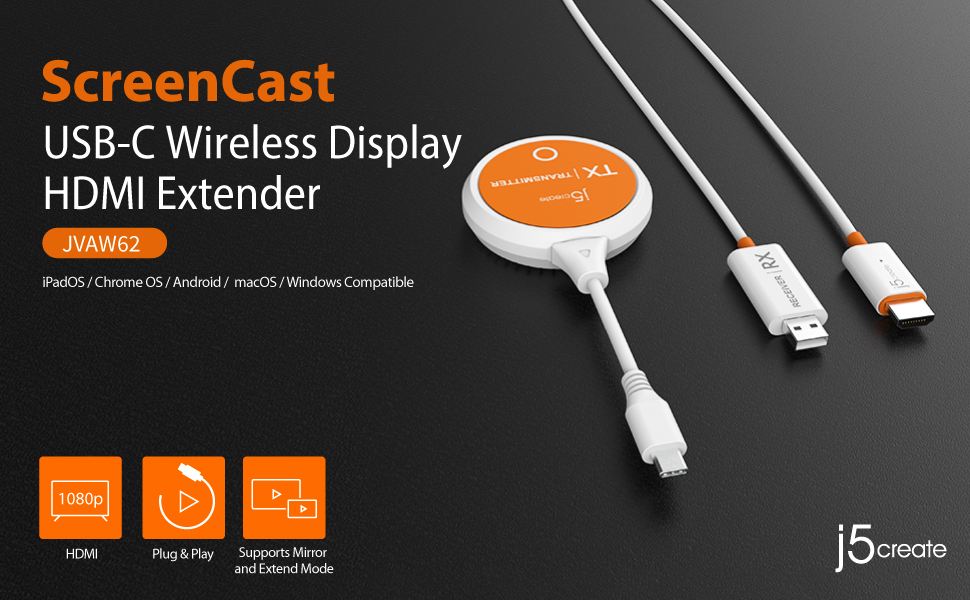
Our top hardware recommendation for casinos. Learn how the j5create ScreenCast lets you cast P.O.D. from any tablet or laptop to a TV — no Wi-Fi network required — with a two-second setup.
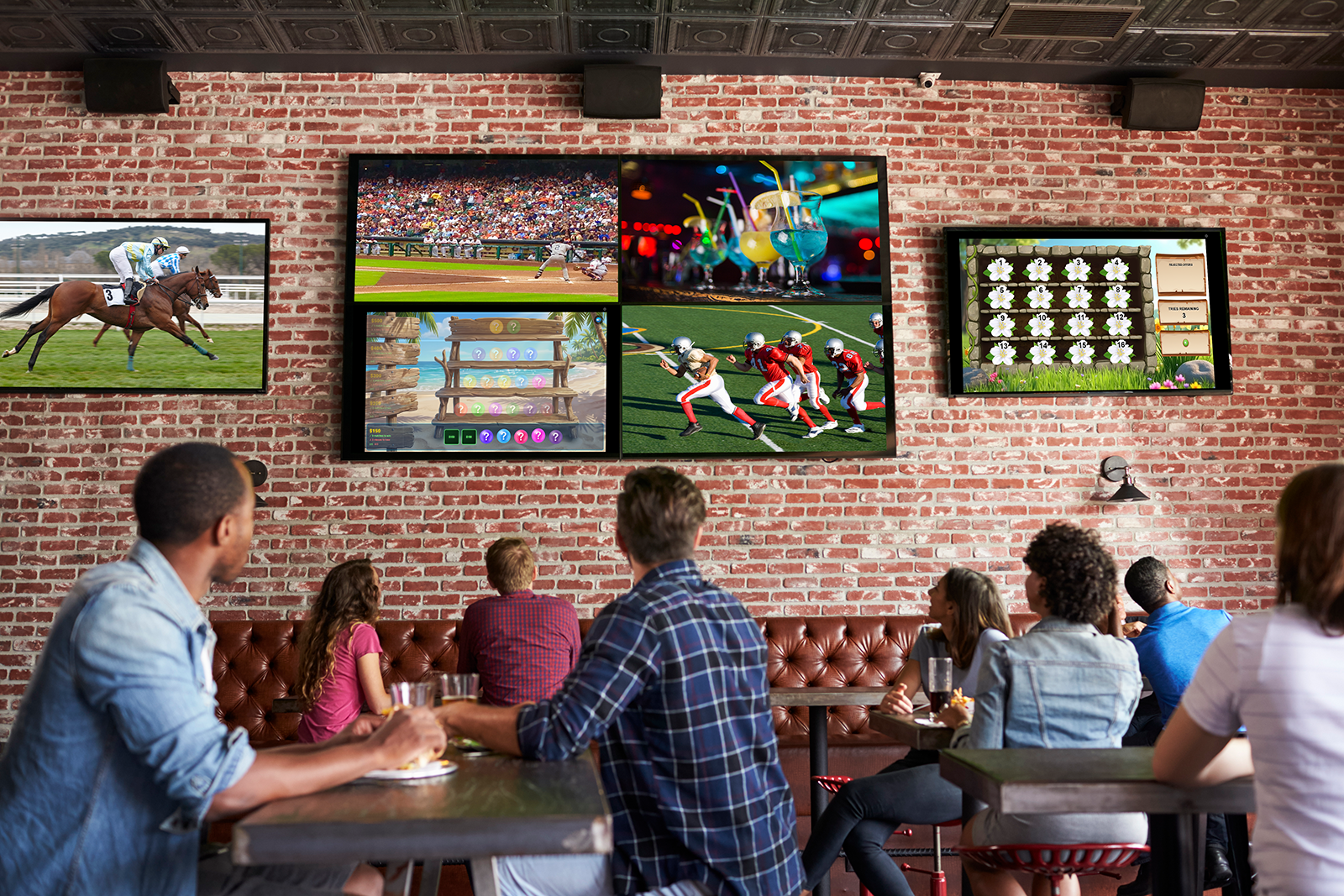
Learn how Video Over IP systems work and how to integrate Promo on Demand into your existing display infrastructure across sports bars, casinos, shopping malls, cruise ships, and more.
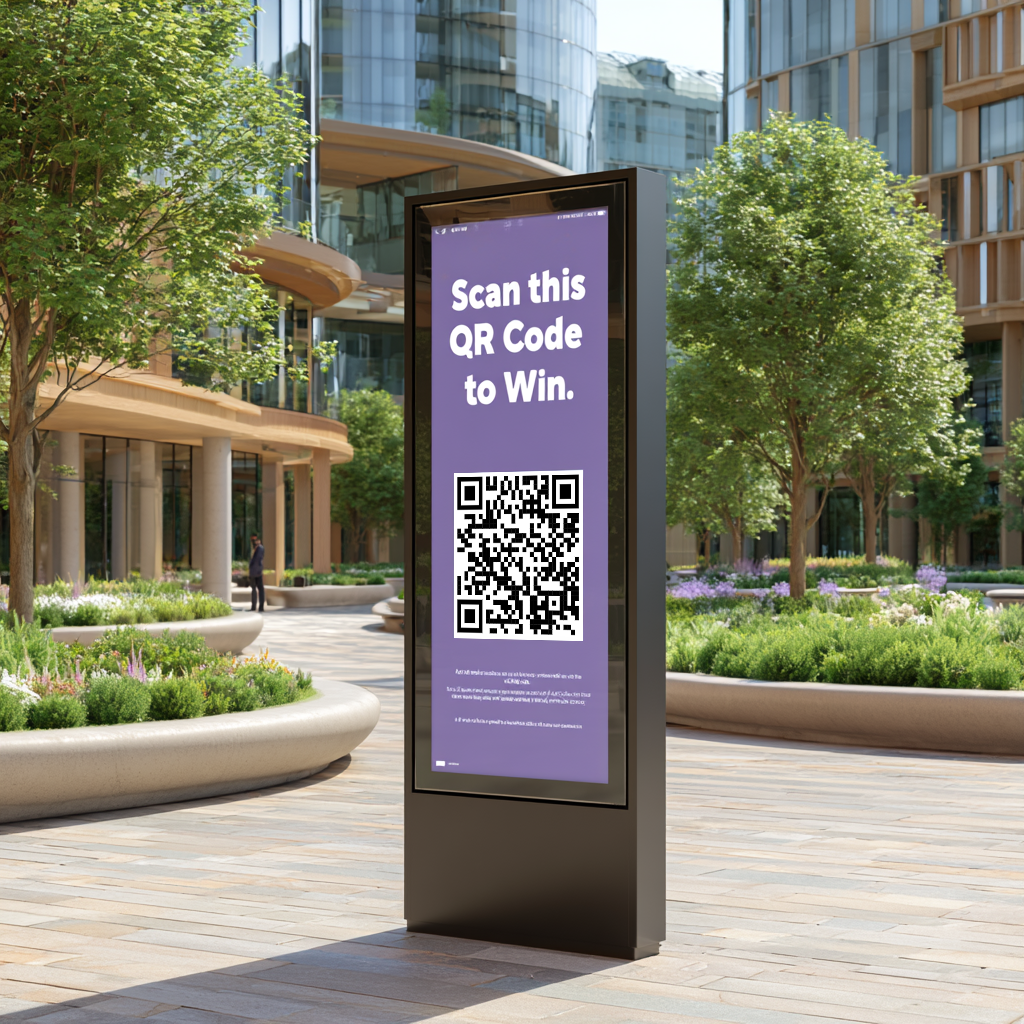
Integrate campaign QR codes into digital menu boards, storefronts, and outdoor billboards. Passersby engage immediately — and rewards give them a reason to visit in person.
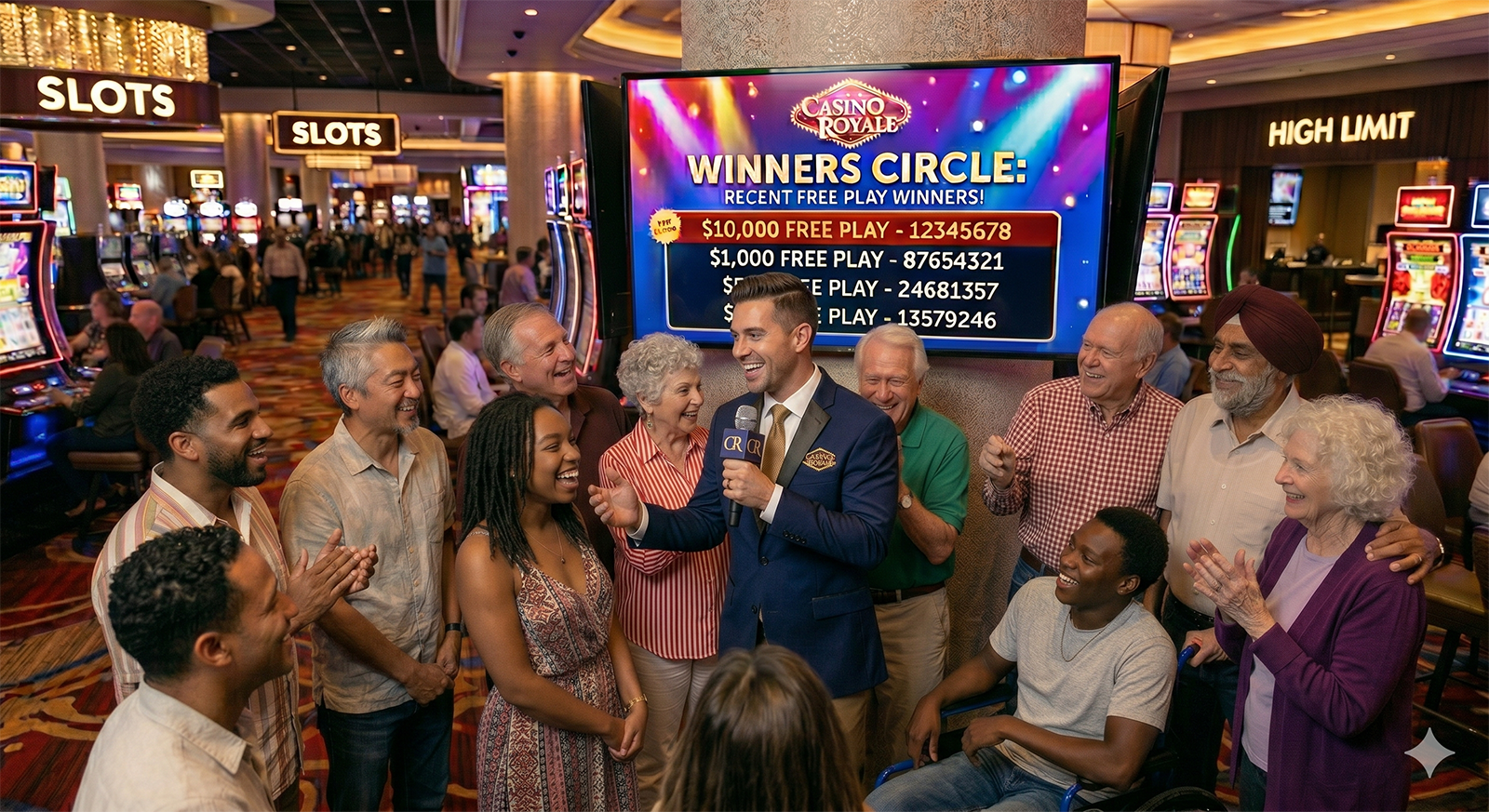
Let your team initiate live game play moments for customers — from casino hot-seat rewards and host perks to retail door acquisition and in-store service recovery.

Run internal campaigns that thank staff for excellent service, milestone achievements, and team goals. Game-based recognition creates excitement and lasting motivation in any industry.

Use campaigns as a customer acquisition tool at fairs, festivals, and community events. Show the QR code on signage, capture leads, and drive new contacts to your brick-and-mortar location.
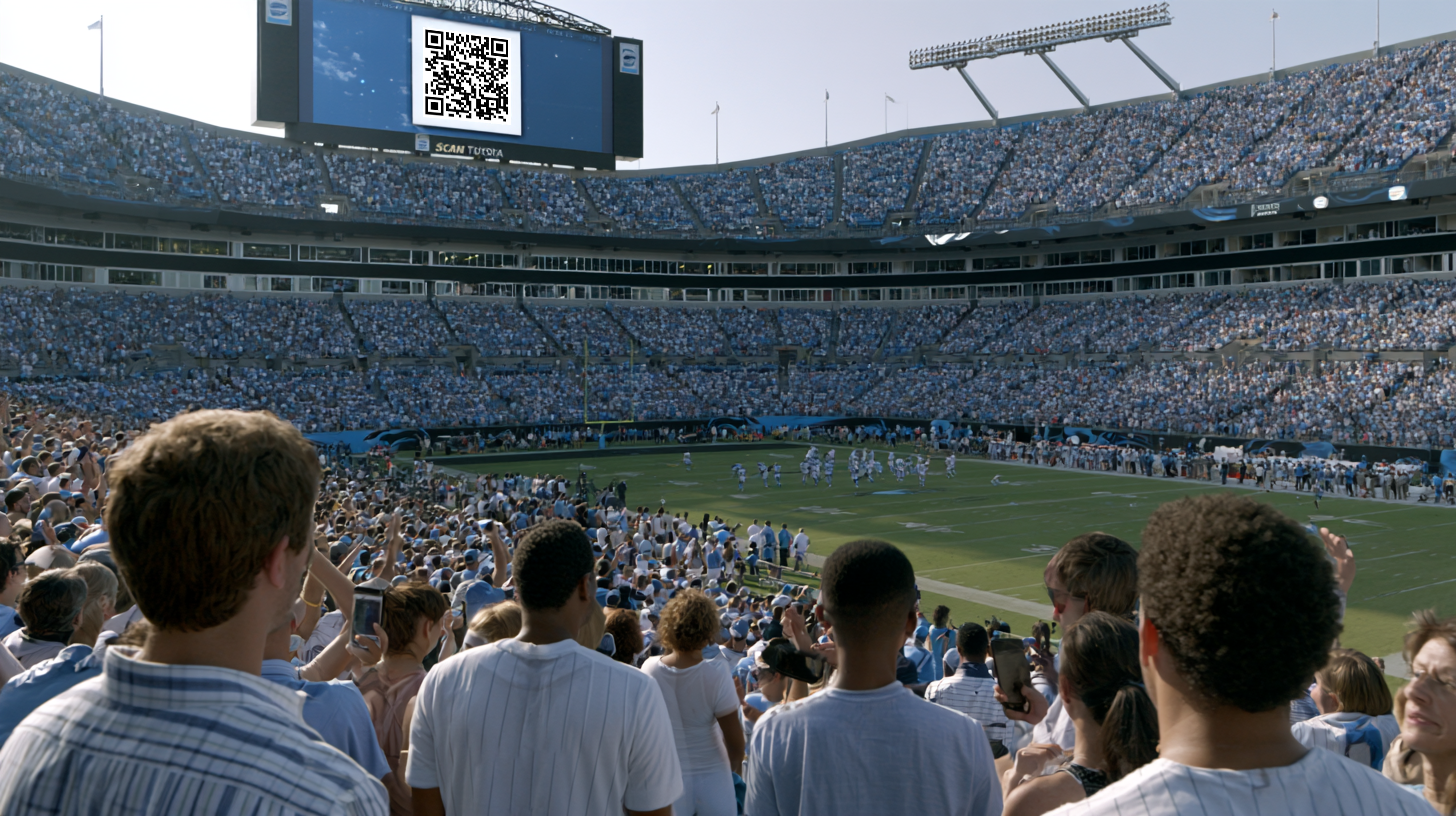
Display campaign QR codes on jumbotrons during sporting events, concerts, and live broadcasts. Thousands of fans scan and play simultaneously — turning passive spectators into active participants.
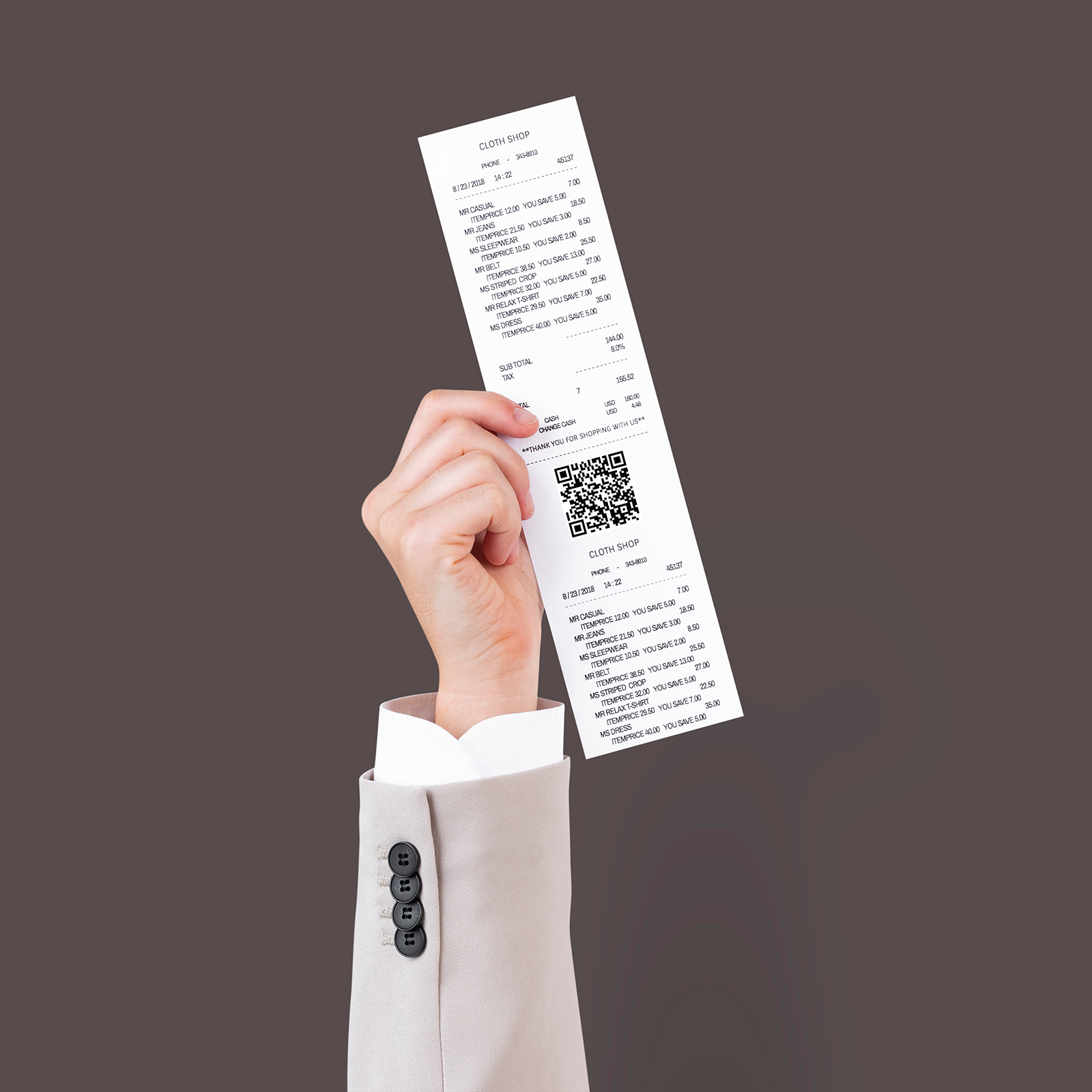
Include campaign links in receipts or follow-up emails after a purchase. Customers play to discover their bonus reward — ideal for auto dealerships, retail stores, restaurants, and service businesses.
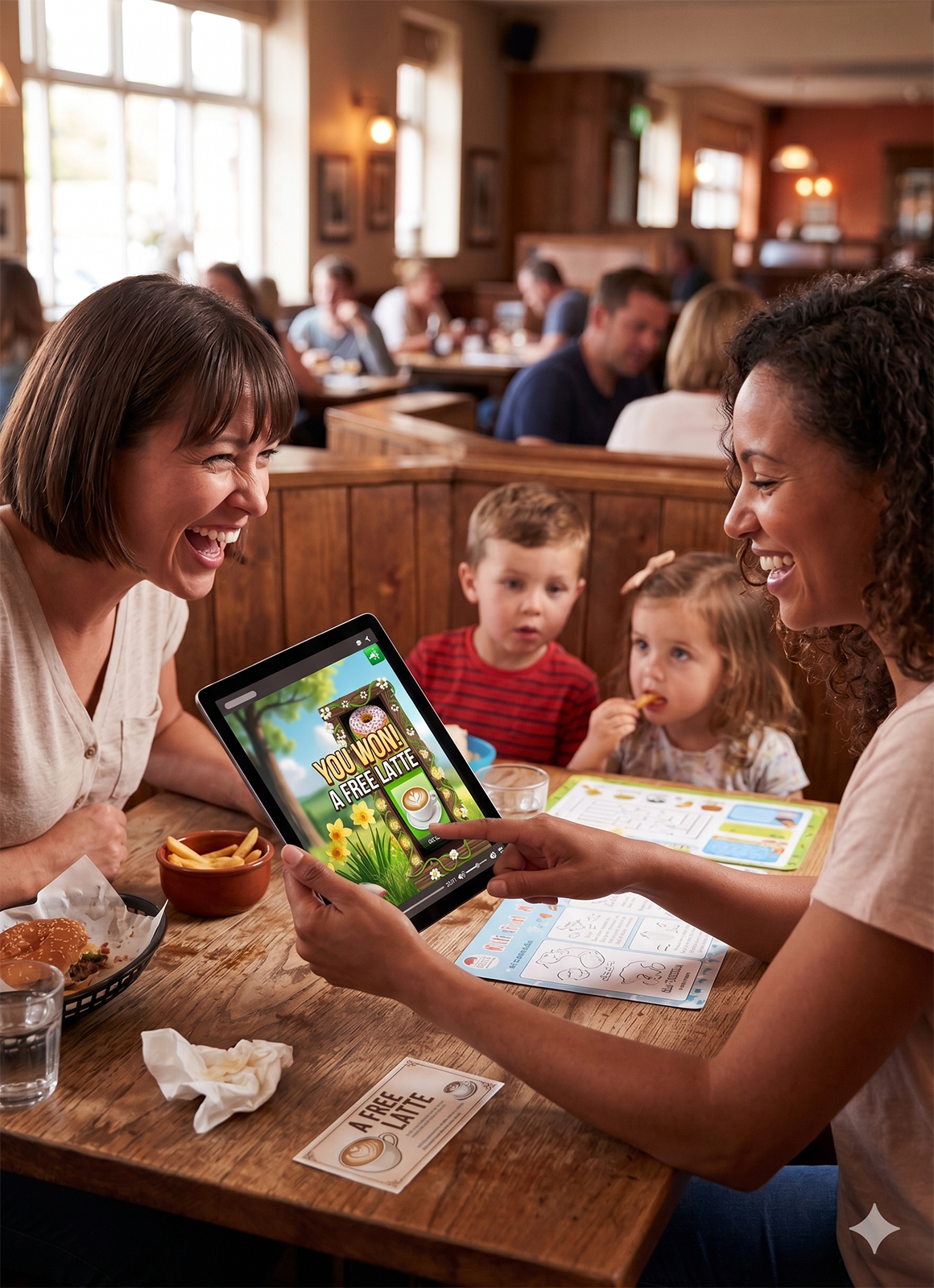
Print campaign QR codes on table tents so diners and casino guests can scan and play while they wait. Prizes incentivize return visits, upgrades, and deeper engagement with your brand.

Unite participating retailers with a shared campaign where each play awards prizes from different merchants. Incentivize mall-wide traffic and drive customers to partner stores they wouldn't have visited otherwise.
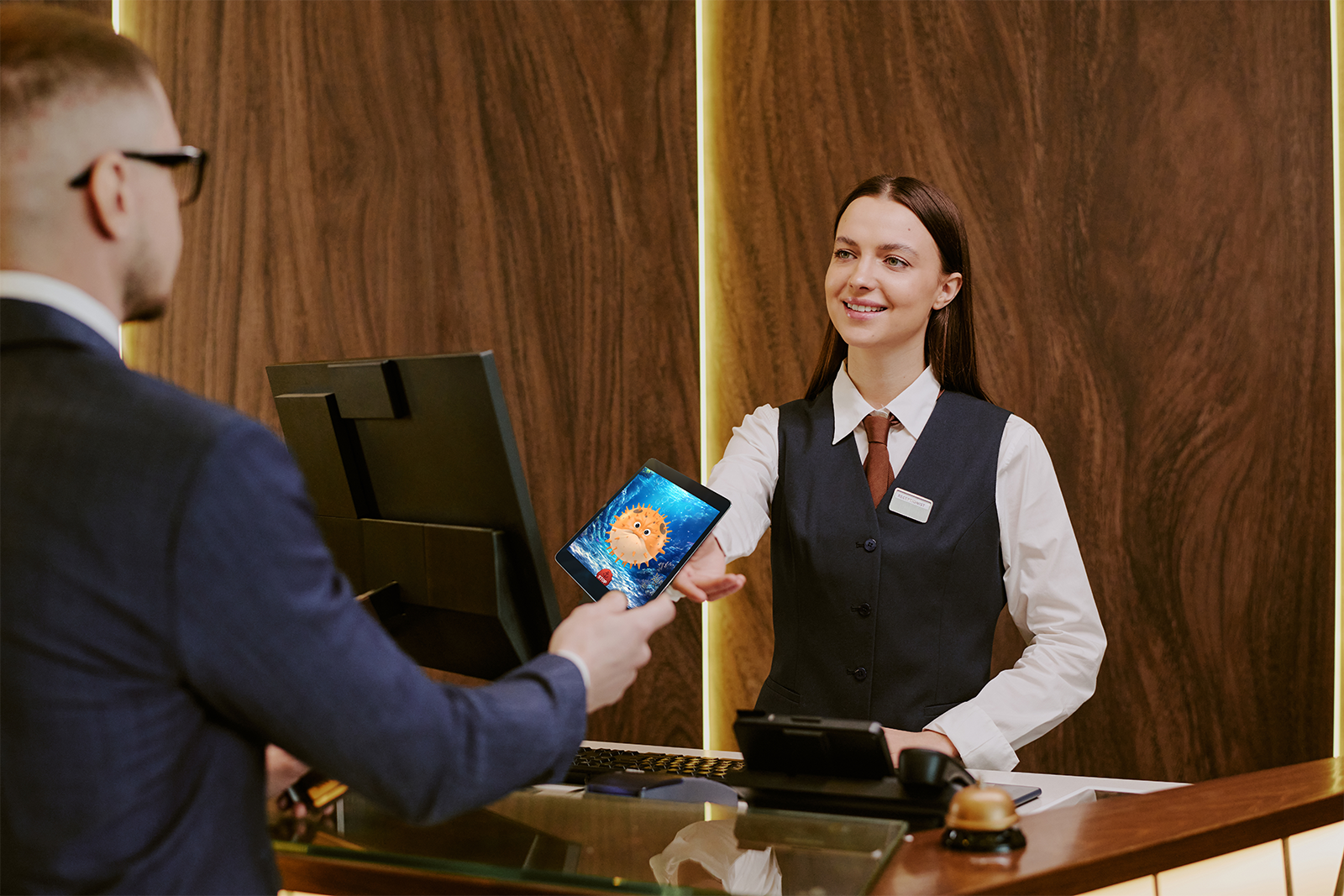
Send personalized campaign links to your top customers as a premium "thank you." Use one-to-one mapping to guarantee exclusive rewards — free play, private experiences, or priority access — that reflect each customer's true value.
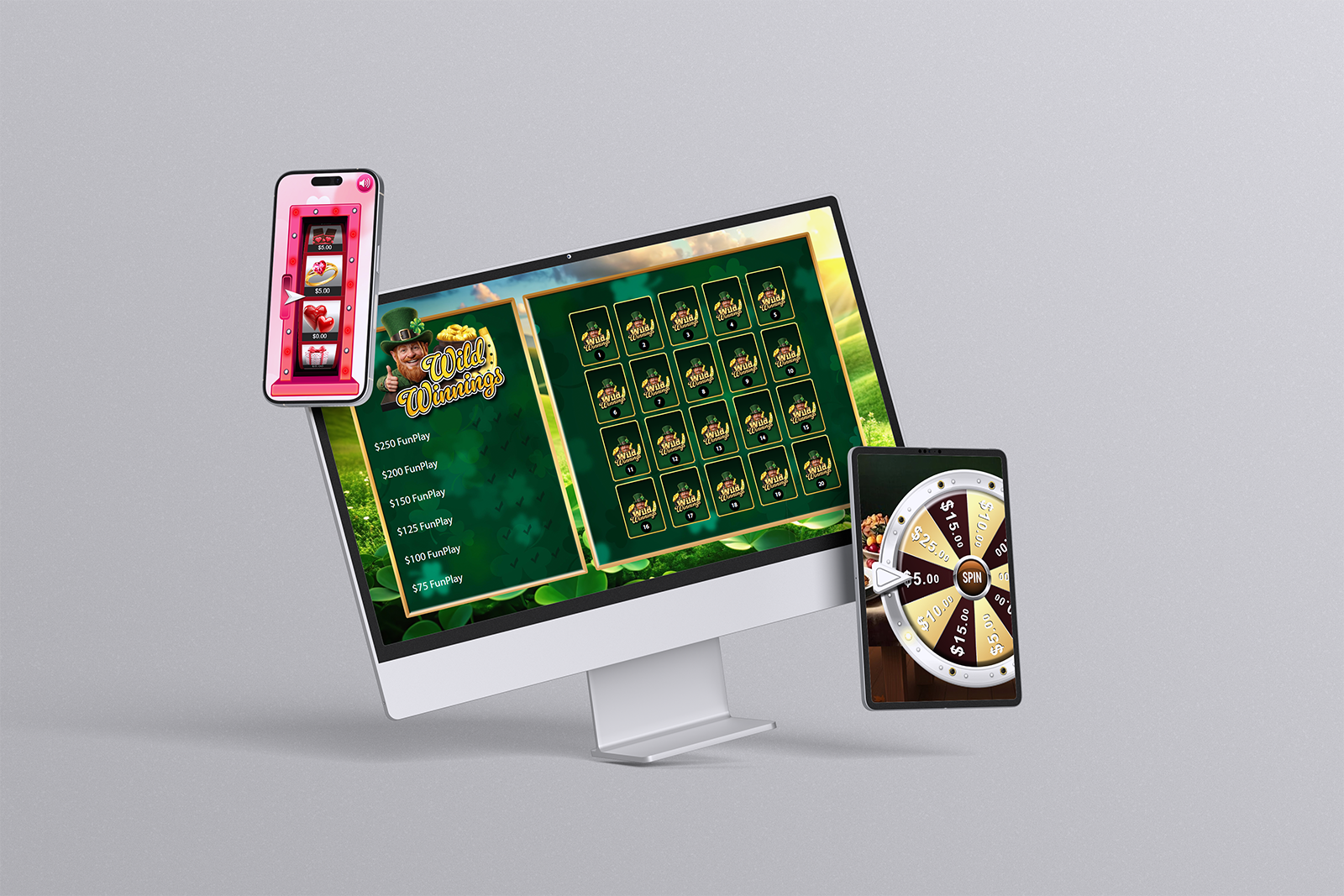
Introducing a brand new expansion to Promo on Demand. Learn how to create customer-directed campaigns with QR codes, custom URLs, and pre-populated email links. Set your own dates, rewards, and odds.
Try a different search term or browse all categories.